Loading NexProTools...
Preparing interactive calculation engine
Preparing interactive calculation engine
Calculate the percentage change between an initial and a final value, determining whether it represents an increase or decrease.
Deterministic Mathematical Simulation Engine • Client-Side Computation
Calculate the percentage change between an initial and a final value, determining whether it represents an increase or decrease.
| Parameter | Value | Unit |
|---|---|---|
| Initial Value | 200 | — |
| Final Value | 250 | — |
| Metric | Calculated Output |
|---|---|
| Percentage Change | 25 |
| Change Direction | Increase |
Want to use this tool on your own blog or website? Copy the code below to embed a fully interactive responsive version instantly.
This Percentage Increase/Decrease Calculator tool is provided strictly for educational and illustrative purposes. Calculations are derived using standard geometric and algebraic axioms. While the tool outputs precise solutions based on exact input values, floating-point rounding limits in code may introduce minor decimal deviations. All values should be checked independently for academic or engineering submissions.
Initial: [████████] (200)
Shift:   [████████ + ██] (250)
Personalized Actionable Insights
Your percentage change highlights growth or contraction trends. This is crucial for tracking monthly traffic shifts, discount percentages, or profit margins independent of absolute value sizes.
Track growth trends: Apply percentage change to assess monthly traffic growth, budget savings, or investment returns.
Understand base dependency: Remember that an increase from 100 to 150 is a 50% change, but a decrease from 150 to 100 is only a 33.3% change.
Verify comparison order: Always input your original/older value as the start point to ensure the direction of change is correct.
Understand the logic under the hood. Here is the formula and exact variable mappings utilized by the Percentage Increase/Decrease Calculator to compile results.
Change % = ((Final - Initial) / Initial) * 100
Percentage change computes the difference relative to the starting number, and converts it to a standard percentage scale.
The starting baseline value
The ending comparison value
Our Percentage Increase/Decrease Calculator executes robust algorithmic code to deliver instant, entertainment-optimized calculations for social sharing and reflex stats.
See the calculation in action. Below is a step-by-step mathematical example using default parameters to demonstrate how values are processed and generated.
Difference is 250 - 200 = 50
Divide by initial: 50 / 200 = 0.25
Multiply by 100: 25% Increase
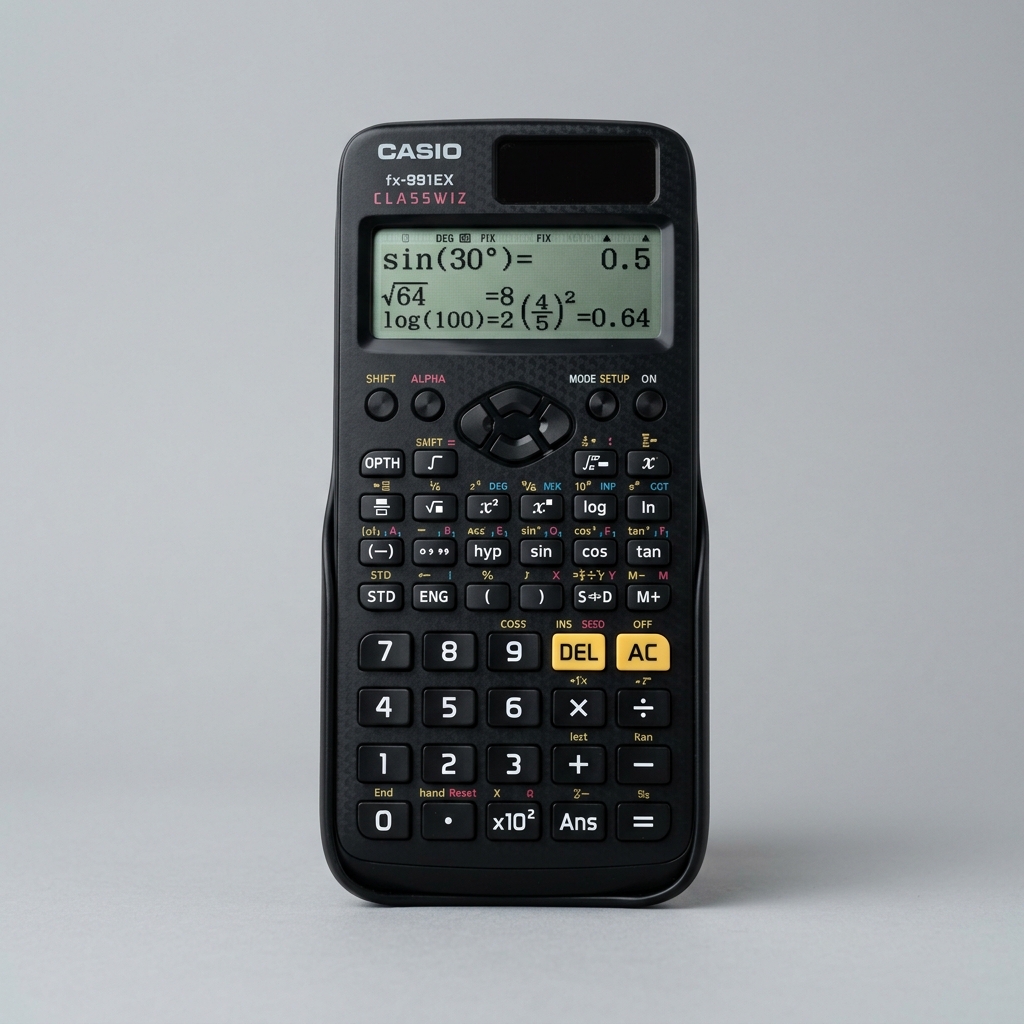
The #1 recommended scientific calculator for board exams, college algebra, mathematics, and engineering classes.
As an Amazon Associate we earn from qualifying purchases.
Perform arithmetic operations on fractions: add, subtract, multiply, and divide two fractions. Simplifies the results dynamically and provides decimal equivalencies.
Convert any positive or negative decimal value into its simplest fraction form, showing both proper/mixed fractions and percentages.
Simplify given ratios to their simplest form, or solve for missing variables to compute equivalent proportions. Our free calculator also handles scaling up or down, and helps solve complex ratio problems instantly.
Did you find these formulas useful? You can bookmark this page (press Ctrl+D) to access it instantly anytime, copy the live URL overrides, or even embed a fully interactive responsive widget on your own blog.
Free online percentage difference tool. Solve percentage growth, increase, decrease, or markup rates instantly.
Calculate the percentage change between an initial and a final value, determining whether it represents an increase or decrease.
Percentage change evaluates the relative difference between an old value and a new value. The mathematical formula is: Percentage Change = ((Final Value - Initial Value) / Initial Value) * 100.
A positive result indicates a percentage increase, while a negative result signifies a percentage decrease. This formula is critical for measuring growth, discounts, and margins.
It is a mathematical concept that describes the degree of change over time relative to an initial value.
If the final value is larger than the initial, it is an increase. If it is smaller, it is a decrease.
Yes, if the final value is more than double the initial value, the increase exceeds 100%.
Because the percentage is always calculated relative to the starting point.
Last updated: June 2026. All results are estimates for informational purposes only and do not constitute professional advice.
Simplify given ratios to their simplest form, or solve for missing variables to compute equivalent proportions. Our free calculator also handles scaling up or down, and helps solve complex ratio problems instantly.
Learn how to calculate percentages quickly and easily. Master percentage formulas, step-by-step examples, percentage increase and decrease metrics, and shortcuts.
Struggling to tell percentage increase and decrease apart? Learn the formulas, step-by-step examples, and major mathematical mistakes to avoid in daily life.
Step-by-step quadratic equation solver with real-time SVG parabola graphing.
Calculate 3D vector dot products, cross products, angles, and 2x2 determinants.
Disclaimer: This Percentage Increase/Decrease Calculator tool is provided strictly for educational and illustrative purposes. Calculations are derived using standard geometric and algebraic axioms. While the tool outputs precise solutions based on exact input values, floating-point rounding limits in code may introduce minor decimal deviations. All values should be checked independently for academic or engineering submissions. All calculations are performed entirely in your browser — no data is sent to our servers.