Loading NexProTools...
Preparing interactive calculation engine
Preparing interactive calculation engine
Calculate recommended Power Supply (PSU) wattage for your gaming PC setup based on CPU, GPU, RAM, storage, and overclocking headroom.
Deterministic Mathematical Simulation Engine • Client-Side Computation
Calculate recommended Power Supply (PSU) wattage for your gaming PC setup based on CPU, GPU, RAM, storage, and overclocking headroom.
| Parameter | Value | Unit |
|---|---|---|
| CPU TDP / Power Draw (Watts) | 125 | W |
| GPU TDP / Power Draw (Watts) | 300 | W |
| RAM Modules | 2 | sticks |
| NVMe / SATA Storage Drives | 2 | drives |
| Overclocking / Safety Margin (%) | 25 | % |
| Metric | Calculated Output |
|---|---|
| Recommended PSU Rating (Watts) | 600 |
| Estimated System Peak Draw | 479 |
Want to use this tool on your own blog or website? Copy the code below to embed a fully interactive responsive version instantly.
This Gaming PC PSU Calculator tool is provided strictly for educational and gaming entertainment purposes. Estimates are mathematical projections compiled using general hardware benchmarks, standard game engine presets, or standard sensitivity formulas. Actual gaming performance, frame rates (FPS), or mouse tracking behaviors may vary based on specific OS optimization, graphics card drivers, thermal throttling, or patches. Verify configurations in-game.
Personalized Actionable Insights
Your peak system load is estimated at 479W. We recommend a PSU rated for at least 600W. This provides a safe 30-40% cushion for transient power spikes and keeps the PSU running in its optimal efficiency curve.
Select 80 Plus Gold or higher: Premium certification ensures less waste heat, lower utility bills, and higher quality capacitors.
Choose modular cables: A fully modular power supply lets you plug in only the cables you need, improving airflow and case layout.
Build in an upgrade cushion: If you plan to upgrade to a high-draw graphics card later, buy a 750W-850W unit now to avoid double spending.
Understand the logic under the hood. Here is the formula and exact variable mappings utilized by the Gaming PC PSU Calculator to compile results.
RECOMMENDEDPSU = f(cpuPower, gpuPower, ramSticks, storageDrives, overclockHeadroom)
The Gaming PC PSU Calculator processes mathematical rules to calculate instant results. By taking inputs, applying standard parameters, and updating equations, it yields precise values without manual accounting errors.
Adjustable user parameter. Enter a valid value between 35 and 350 (Default value: 125W).
Adjustable user parameter. Enter a valid value between 50 and 600 (Default value: 300W).
Adjustable user parameter. Enter a valid value between 1 and 8 (Default value: 2sticks).
Adjustable user parameter. Enter a valid value between 1 and 10 (Default value: 2drives).
Adjustable user parameter. Enter a valid value between 10 and 50 (Default value: 25%).
Our Gaming PC PSU Calculator executes robust algorithmic code to deliver instant, entertainment-optimized calculations for social sharing and reflex stats.
See the calculation in action. Below is a step-by-step mathematical example using default parameters to demonstrate how values are processed and generated.
Initialize all calculator inputs with their official default values: CPU TDP / Power Draw (Watts) = 125W, GPU TDP / Power Draw (Watts) = 300W, RAM Modules = 2sticks, NVMe / SATA Storage Drives = 2drives, Overclocking / Safety Margin (%) = 25%.
The engine compiles the parameters and triggers the formulas in the calculation library.
Under this standard setup, the calculator yields: Recommended PSU Rating (Watts): 600, Estimated System Peak Draw: 479.
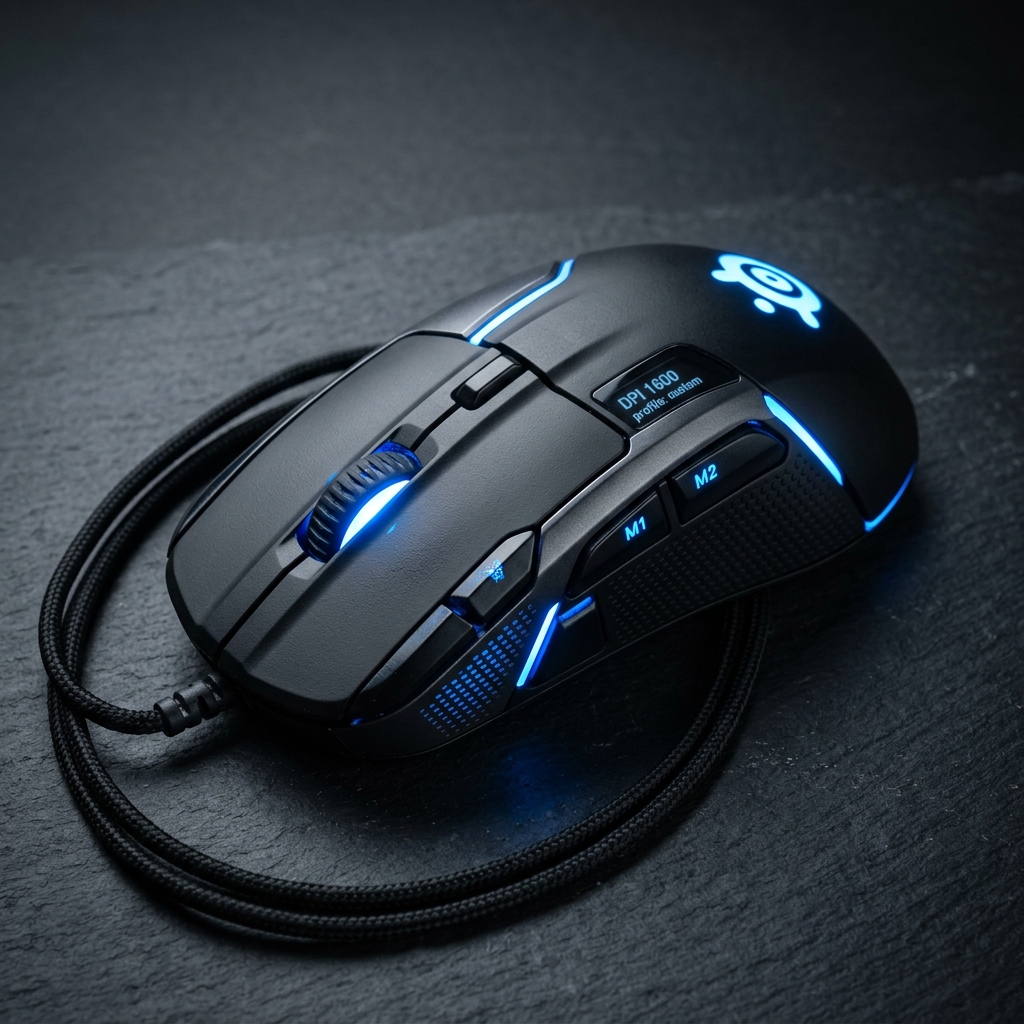
Increase click accuracy and mouse response rates with the adjustable 25K DPI Logitech G502 HERO wired gaming mouse.
As an Amazon Associate we earn from qualifying purchases.
Estimate expected frame rates (FPS) for popular esports and AAA titles across 1080p, 1440p, and 4K resolutions based on CPU and GPU hardware tiers.
Calculate CPU and GPU hardware bottleneck percentage to balance your PC components.
Calculate effective DPI (eDPI) for FPS titles (CS2, Valorant, Apex Legends) to match mouse sensitivity across games.
Did you find these formulas useful? You can bookmark this page (press Ctrl+D) to access it instantly anytime, copy the live URL overrides, or even embed a fully interactive responsive widget on your own blog.
Free Gaming PC PSU Wattage Calculator. Input your Intel/AMD CPU, NVIDIA/AMD GPU, RAM, and storage to get exact peak power consumption and recommended 80 Plus PSU wattage.
Calculate recommended Power Supply (PSU) wattage for your gaming PC setup based on CPU, GPU, RAM, storage, and overclocking headroom.
Total System Power Draw is calculated by summing Component Wattages: System Peak Draw = CPU TDP + GPU TDP + (RAM Sticks × 5W) + (Storage Drives × 7W) + Fans/RGB (20W).
Recommended PSU Wattage = Peak System Draw × (1 + Headroom %). Modern ATX 3.0 / PCIe 5.0 PSUs feature 12V-2x6 power connectors designed to absorb high transient spikes without triggering OCP (Over-Current Protection) shutdowns.
You should add 20% to 30% wattage headroom above your PC's estimated peak power consumption. This keeps the PSU running in its peak efficiency curve (50%–70% load) and handles transient power spikes from high-end GPUs like the RTX 4090.
80 Plus certifications measure power conversion efficiency from the wall outlet to DC power. 80 Plus Gold guarantees at least 90% efficiency at 50% load, reducing wasted heat and electricity bills compared to Bronze (85%).
Last updated: June 2026. All results are estimates for informational purposes only and do not constitute professional advice.
Calculate exact power supply wattage for your gaming rig. Learn GPU/CPU power draw, 80 Plus Gold vs Platinum ratings, transient spikes, and ATX 3.0 standards.
RTX 5080 and 5090 GPUs have high peak power demands. Learn exactly what PSU wattage you need for your build, why headroom matters, and how to avoid system instability.
Graphics Processing Unit: a specialized electronic circuit designed to manipulate and alter memory to accelerate image creation.
Estimate expected frame rates (FPS) for popular esports and AAA titles across 1080p, 1440p, and 4K resolutions based on CPU and GPU hardware tiers.
Calculate CPU and GPU hardware bottleneck percentage to balance your PC components.
Disclaimer: This Gaming PC PSU Calculator tool is provided strictly for educational and gaming entertainment purposes. Estimates are mathematical projections compiled using general hardware benchmarks, standard game engine presets, or standard sensitivity formulas. Actual gaming performance, frame rates (FPS), or mouse tracking behaviors may vary based on specific OS optimization, graphics card drivers, thermal throttling, or patches. Verify configurations in-game. All calculations are performed entirely in your browser — no data is sent to our servers.