Loading NexProTools...
Preparing interactive calculation engine
Preparing interactive calculation engine
Calculate constant acceleration using initial velocity, final velocity, and time.
Deterministic Mathematical Simulation Engine • Client-Side Computation
Calculate constant acceleration using initial velocity, final velocity, and time.
| Parameter | Value | Unit |
|---|---|---|
| Initial Velocity (v_i) | 0 | m/s |
| Final Velocity (v_f) | 30 | m/s |
| Time Duration (t) | 6 | s |
| Metric | Calculated Output |
|---|---|
| Calculated Acceleration (a) | 5 |
Want to use this tool on your own blog or website? Copy the code below to embed a fully interactive responsive version instantly.
This Acceleration Calculator tool is provided strictly for educational and illustrative purposes. Calculations are derived using standard physical equations and chemical stoichiometric ratios. While the tool outputs precise solutions based on exact input values, floating-point rounding limits in code may introduce minor decimal deviations. All values should be checked independently for academic, research, or laboratory submissions.
Personalized Actionable Insights
The object experiences positive (speeding up in the forward direction) acceleration of 5.00 m/s², equivalent to 0.51g (where g = 9.81 m/s²). This is strong acceleration (sports car or rapid braking). The human body comfortably tolerates sustained accelerations up to ~2g; beyond 5g requires special posture or equipment.
Calculate distance covered: s = v_i·t + ½·a·t². Use this to find how far the object travelled during this acceleration phase.
Apply to vehicle performance: 0–60 mph in 6 seconds ≈ 4.5 m/s² (≈0.46g) — compare your result to real-world benchmarks.
Find net force: Use F = ma with this acceleration and the object's mass to calculate the driving or braking force required.
Understand the logic under the hood. Here is the formula and exact variable mappings utilized by the Acceleration Calculator to compile results.
ACCELERATIONRESULT = (finalVelocity - initialVelocity) / (timeDelta || 1)
The Acceleration Calculator processes mathematical rules to calculate instant results. By taking inputs, applying standard parameters, and updating equations, it yields precise values without manual accounting errors.
Adjustable user parameter. Enter a valid value between 0 and unlimited (Default value: 0m/s).
Adjustable user parameter. Enter a valid value between 0 and unlimited (Default value: 30m/s).
Adjustable user parameter. Enter a valid value between 0 and unlimited (Default value: 6s).
Our Acceleration Calculator executes robust algorithmic code to deliver instant, entertainment-optimized calculations for social sharing and reflex stats.
See the calculation in action. Below is a step-by-step mathematical example using default parameters to demonstrate how values are processed and generated.
Initialize all calculator inputs with their official default values: Initial Velocity (v_i) = 0m/s, Final Velocity (v_f) = 30m/s, Time Duration (t) = 6s.
The engine compiles the parameters and triggers the formulas in the calculation library.
Under this standard setup, the calculator yields: Calculated Acceleration (a): 5.
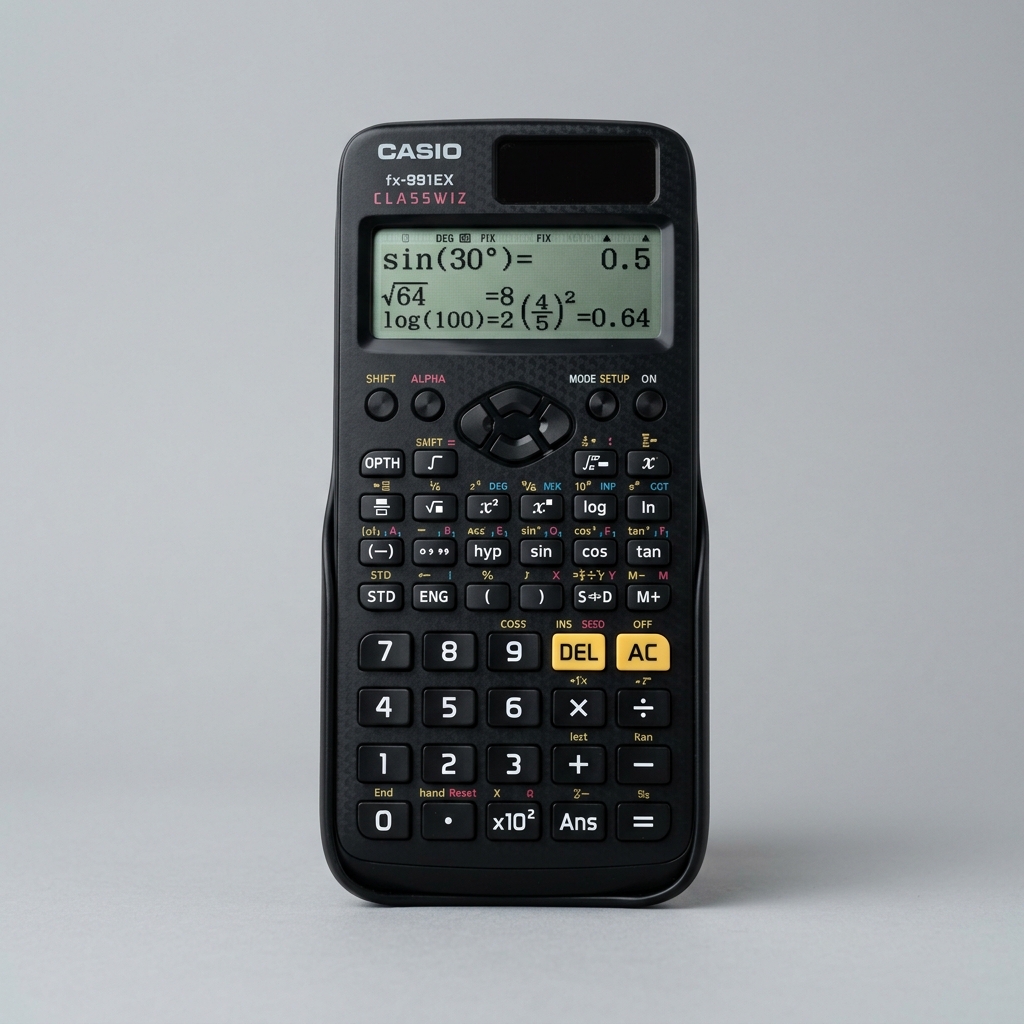
The #1 recommended scientific calculator for board exams, college chemistry, physics, and laboratory classes.
As an Amazon Associate we earn from qualifying purchases.
Calculate net force, mass, or acceleration using Newton's second law of motion (F = ma).
Calculate average velocity, distance traveled, or time interval using the formula v = d/t.
Calculate the momentum of a moving object using its mass and velocity.
Did you find these formulas useful? You can bookmark this page (press Ctrl+D) to access it instantly anytime, copy the live URL overrides, or even embed a fully interactive responsive widget on your own blog.
Solve average acceleration using change in velocity over elapsed time interval.
Calculate constant acceleration using initial velocity, final velocity, and time.
Acceleration is the rate of change of velocity with respect to time. The formula a = (v_f - v_i) / t calculates the average acceleration, where v_f is the final velocity, v_i is the initial velocity, and t is the time elapsed. A positive result indicates speeding up; a negative result indicates slowing down (deceleration).
In uniform acceleration (constant rate of speed change), this formula gives exact values. For non-uniform acceleration, the formula yields the average acceleration over the time interval. Gravitational acceleration near Earth's surface is approximately 9.81 m/s², meaning a freely falling object gains 9.81 m/s of velocity every second.
Yes. A ball thrown straight up has zero velocity at its peak height, but it still has a downward acceleration of 9.81 m/s² due to gravity. This is why it begins falling back down immediately.
Uniform acceleration means the velocity changes by equal amounts in equal time intervals (like free fall). Non-uniform acceleration means the rate of velocity change varies over time (like a car in city traffic).
By Newton's Second Law (F = ma), acceleration is directly proportional to the net force applied and inversely proportional to mass. Doubling the force doubles the acceleration; doubling the mass halves it.
Last updated: June 2026. All results are estimates for informational purposes only and do not constitute professional advice.
The rate of change of displacement of an object in a specific direction.
Calculate net force, mass, or acceleration using Newton's second law of motion (F = ma).
Calculate average velocity, distance traveled, or time interval using the formula v = d/t.
Calculate the momentum of a moving object using its mass and velocity.
Calculate mechanical power generated using work done and elapsed time.
Disclaimer: This Acceleration Calculator tool is provided strictly for educational and illustrative purposes. Calculations are derived using standard physical equations and chemical stoichiometric ratios. While the tool outputs precise solutions based on exact input values, floating-point rounding limits in code may introduce minor decimal deviations. All values should be checked independently for academic, research, or laboratory submissions. All calculations are performed entirely in your browser — no data is sent to our servers.